Read anywhere
Add Toread to your Home Screen and what you saved is kept on the phone — the library, every article, its pictures — so a tunnel, a flight or a dead café Wi-Fi changes nothing about reading.
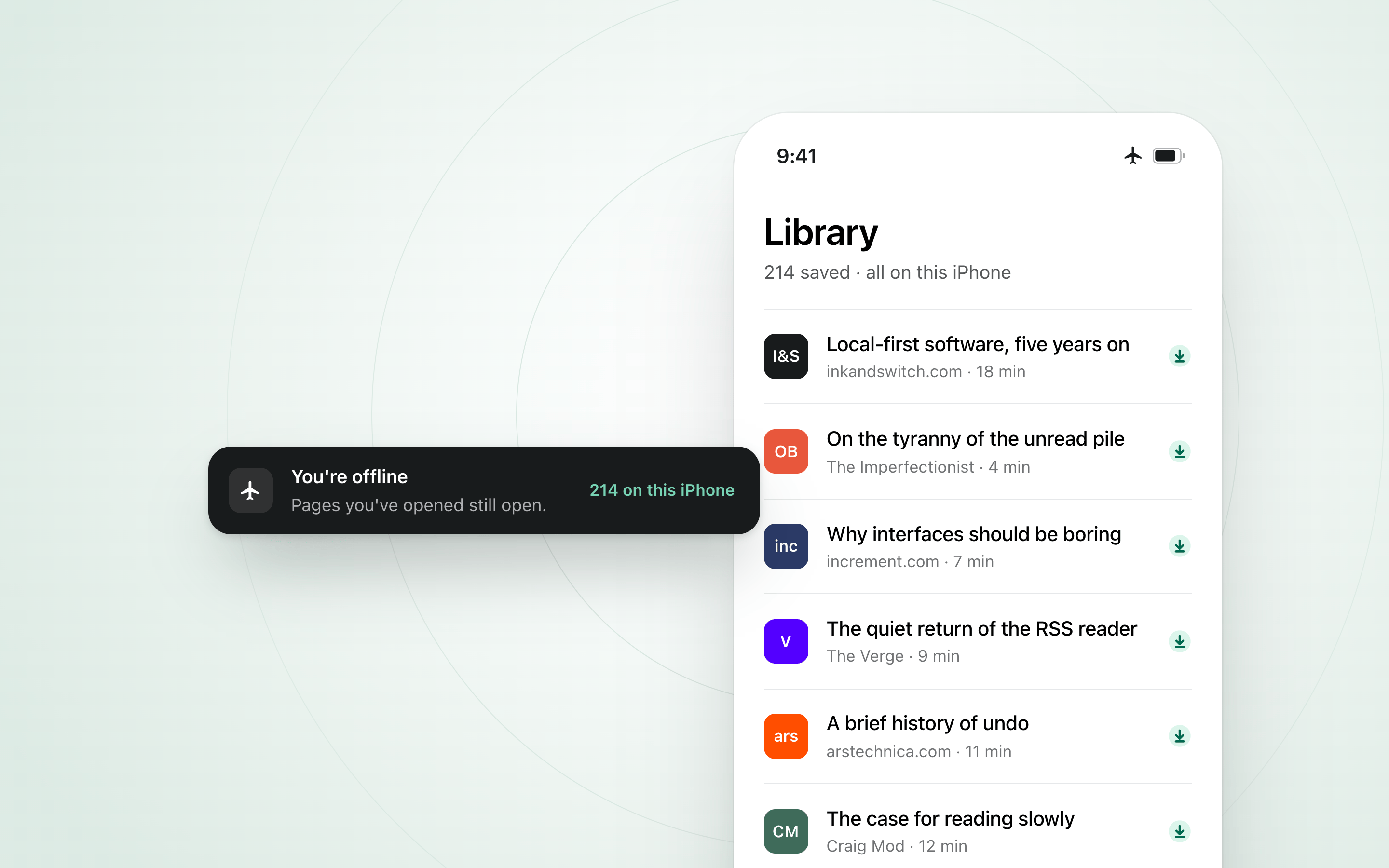
Add Toread to your Home Screen and what you saved is kept on the phone — the library, every article, its pictures — so a tunnel, a flight or a dead café Wi-Fi changes nothing about reading.
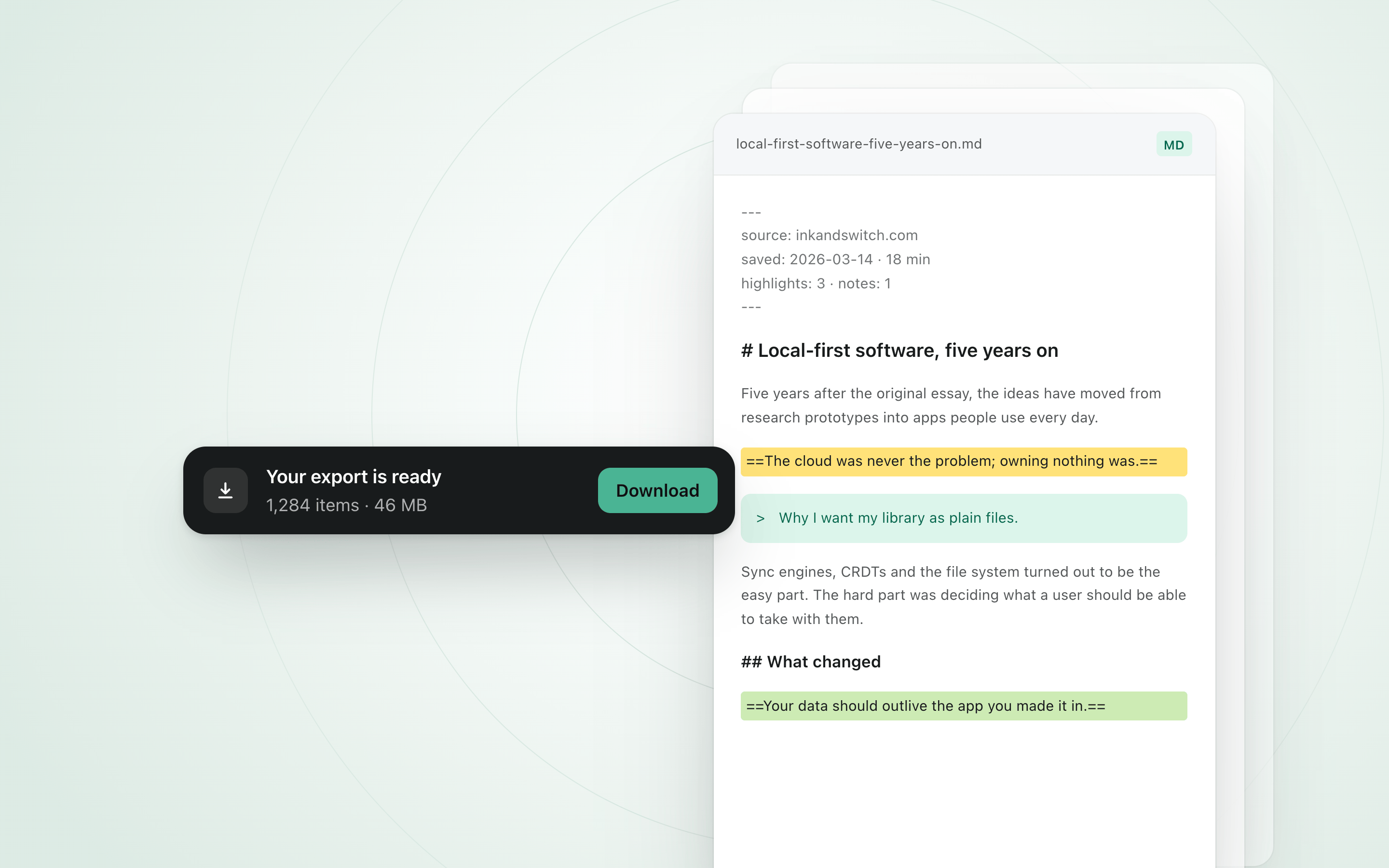
Settings → Your data → Export everything. Every article as Markdown with its full text, your highlights and notes inline, a library index and your feeds — a copy you can open anywhere, with nothing missing.
Blogs you follow, newsletters and the posts you bookmark on Bluesky or X land in Arrivals. File them by day or by publication, save what you want, and clear the rest in one press.
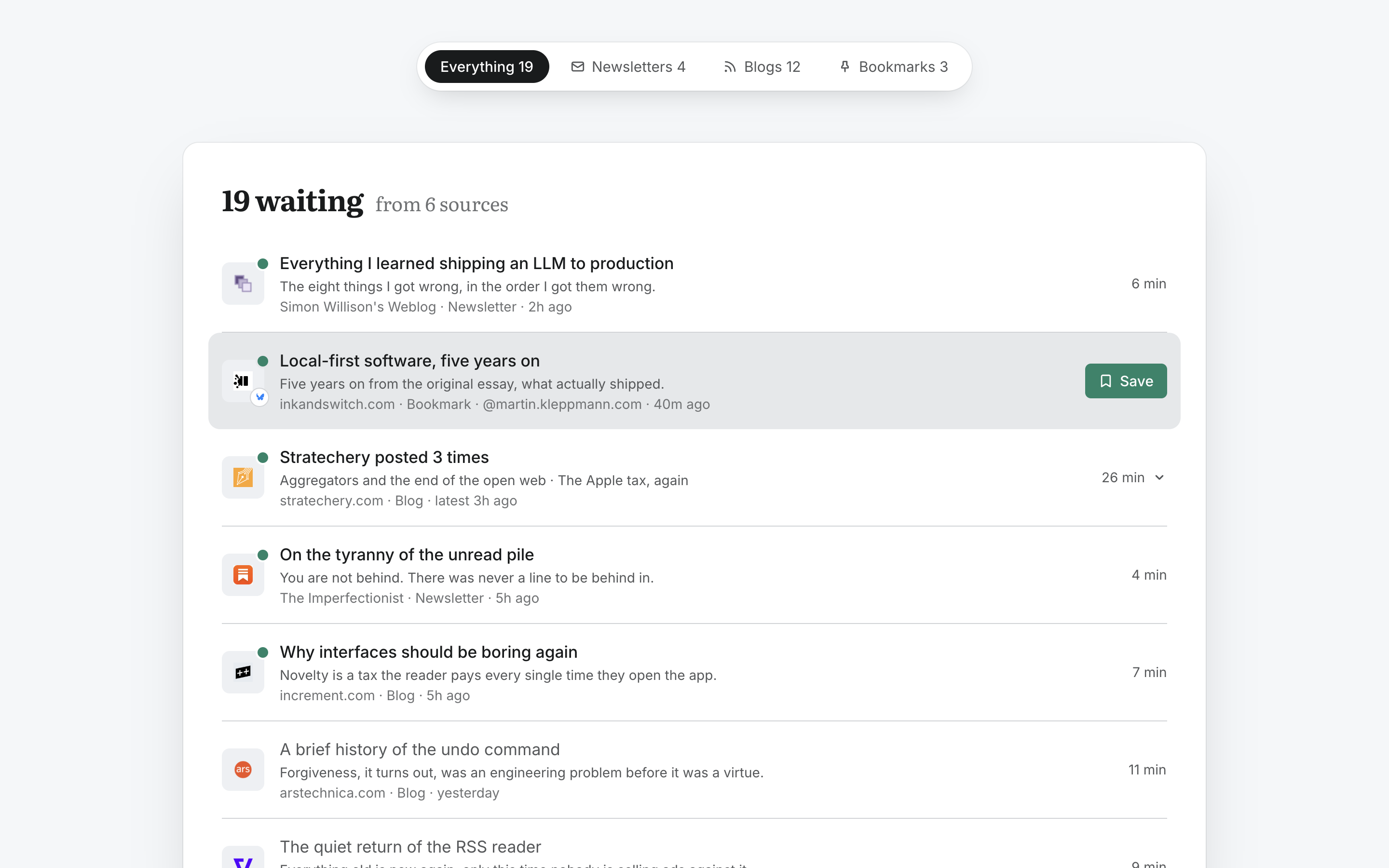
Connect Bluesky or X in Settings and the posts you bookmark wait in a new Bookmarks inbox. Nothing is fetched, and no save is used, until you press Save.

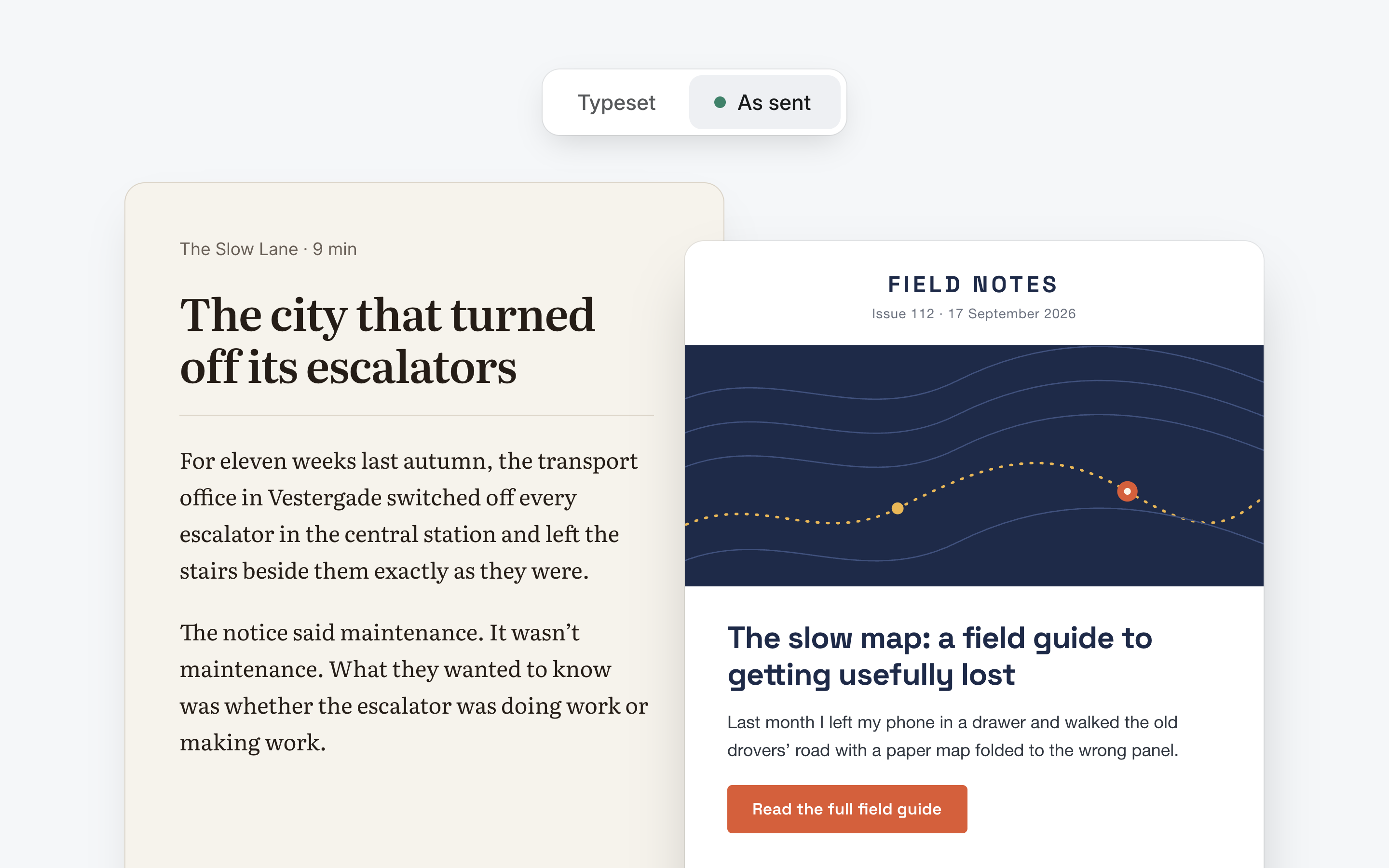
Open an issue exactly as it was sent, or in Toread's own type — picked for you and remembered per publication. Images load only when you ask, quoted replies fold away, and the list leads with your newest unread issue.
New posts roll up per blog, newsletter issues arrive as they land, and on an iPhone with Toread on the Home Screen they can reach you as push. Three a day at most, and never at night.

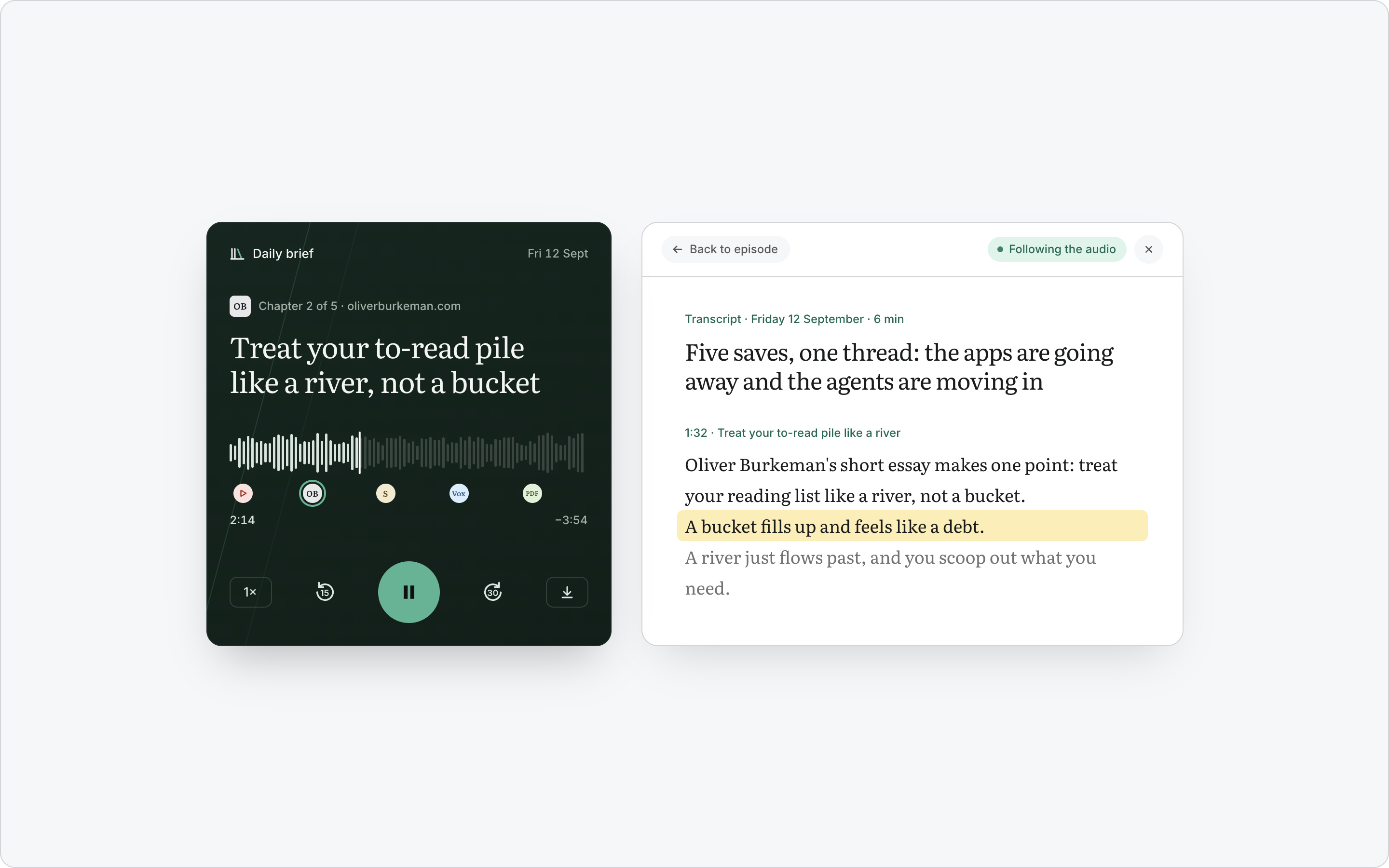
The player sits up front like cover art, the saves read as a list, and the transcript opens in a drawer that follows along as you listen.
The Toread extension saves the tab you are on in one click, in Chrome, Firefox, Arc, Brave, Dia and Edge. Toread for Raycast does the same from your keyboard.
Then connect it in Settings → Extensions.
Drag a save onto a folder in the sidebar to file it. Folders nest, reorder when you drag them, and take one of 79 icons or any emoji, in nine colours.
A few minutes, spoken, on what you saved: written for the ear rather than the page. Play it in Toread or follow it in your podcast app.
| English | 繁體中文 | 简体中文 |
|---|---|---|
| Library | 書庫 | 书库 |
| Highlights | 螢光筆記 | 高亮 |
| Settings | 設定 | 设置 |
Toread already translated what you save. Now its own buttons, menus and messages read in Traditional or Simplified Chinese too. Pick one in Settings → Language.
A book read quickly is a book summarised. We keep the shape of the argument and lose the weather of the sentences, the small turns that made us trust the writer in the first place.
Slowness is not a virtue. It is a way of paying attention.
Five pens, a note in the margin beside the line it belongs to, and every highlight gathered on one page and in the Markdown you download.